Your project managed in one place
You do not have to look for decisions in messages, documents in attachments or answers across several different conversations.
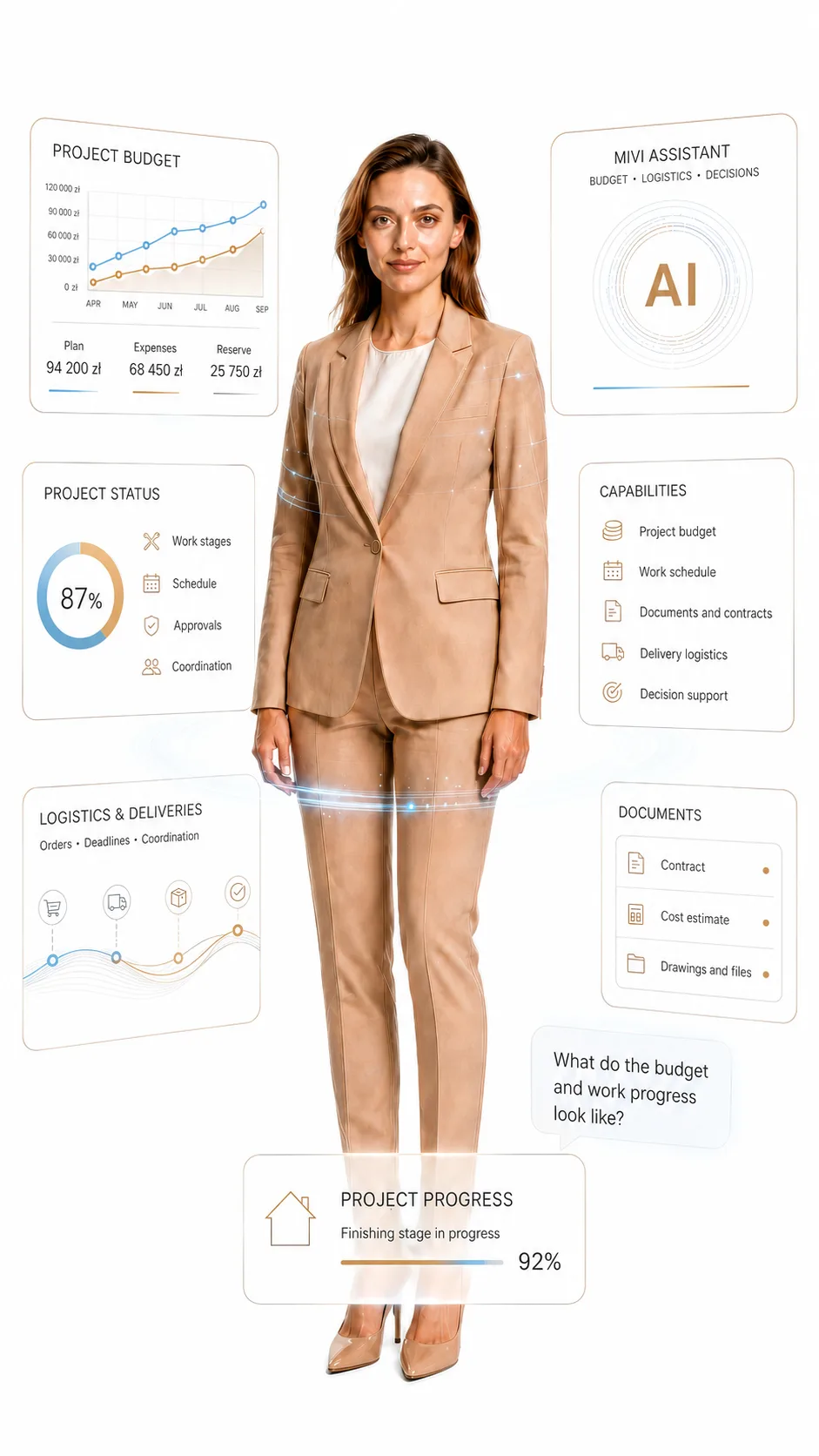
My Mivare organises the project, schedule, budget, documents, photos and communication.
And Mivi helps you calmly see what is happening today and what is worth checking before the next stage.
We do not turn conversation into an app
Order in the project. Human contact.
My Mivare is not an app you are forced to use to manage a renovation or interior finishing project.
It is an additional space prepared for Mivare clients, available whenever it is convenient for you.
It does not replace a conversation, meeting, phone call or email. You do not have to install another program, learn a system or keep track of one more tool.
If you prefer to call, meet or send an email, we will adapt communication to you.
From experience, we know that well-used technology can make cooperation easier at every stage: from a small refresh to multi-unit finishing projects.
That is why we treat My Mivare and Mivi not as an obligation, but as convenient support for a well-managed project.
Everything. Everywhere. Always.
You have access to the project from anywhere and at any time. You can see the project stage, schedule, documents, photos, budget, settlements and key information without searching through emails, messages and notes.
Simple. Fast. Secure.
My Mivare does not require technical knowledge. It is a system for real people who want to know what is happening with their investment. You log in, check the project and see the most important things clearly, calmly and without unnecessary complexity.
Mivi. The AI project assistant.
Mivi helps you quickly see what is happening in the project, what needs attention and what is worth checking before the next stage. It does not replace talking to us. It organises the project picture and explains it in simple, human language.
Free. No time limit.
Access to My Mivare and Mivi is part of the Mivare cooperation standard. No subscription, no hidden fees and no time limit. The panel stays with you after completion as an organised project archive.
You enter and immediately know where things stand
Project, documents, budget and decisions in one place.
My Mivare does not add another tool for you to manage.
It removes the most tiring part of a project: searching for arrangements, files, photos, dates, settlements and the latest decisions.
Everything is in one place. Clear, calm and always at hand.
Projects
The main project card shows what the project is, what stage it is at and what has already been agreed.
- status and current stage
- project progress
- deadlines and priorities
- scope, type and investment standard
Documentation
Documents are assigned to a specific project instead of getting lost in emails, folders and random attachments.
- contracts and attachments
- designs and technical documentation
- file versions and materials
- permits, approvals and arrangements
Finances and budget
The budget is part of the project picture, not a separate conversation running somewhere beside the work.
- net and gross budget
- reserve and assumptions
- invoices and payments
- expenses and settlements
Delivery
Work progress can be tracked by stage before everything is finished, covered or closed.
- work schedule
- tasks and checklists
- stage handovers
- photos from the project process
Logistics
Materials, deliveries and orders affect the pace of work, so they have their own area in the system.
- suppliers and orders
- materials and reservations
- deliveries and dates
- claims and actions along the way
Communication and Mivi
Decisions, comments and Mivi suggestions stay with the project, making it easier to return to previous arrangements.
- comments and arrangements
- changes and approvals
- calm description of the situation
- AI assistant suggestions
Ready from the start
We set it up and configure it. You simply use it.
After cooperation or a specific project begins, you do not have to install, configure or register anything from scratch. We prepare My Mivare on our side. We create the project space, add the key data, set the right access levels and organise the place where the work will be managed.
You receive ready access. You log in and see the project in a space already prepared for your cooperation with Mivare.
We create the project
We create a private space for a specific project, unit, house or investment.
We configure access
We set roles, visibility scope and the areas needed by the client, investor or partner.
We organise the start
We attach arrangements, documents, core data, the schedule and the first project information.
You simply log in
You do not need to be technical. You enter, check and return to the project whenever you need to.
Panel access is part of cooperation with Mivare. No subscription, no additional implementation on your side and no learning a complicated program.
Mivi does not replace conversation. It gives it better context.
An AI assistant that understands the rhythm of a project.
You are not asking an empty chat that does not know your situation.
You are asking an assistant embedded in a specific project, with specific documents, decisions, dates, photos, costs and work stages.
Mivi is designed to help reveal connections that easily get scattered in normal communication: a delayed delivery, missing approval, a budget change, a document to review or an issue worth confirming before the next stage.
A person still leads the project. Mivi helps you understand faster what truly needs attention.
Reads the project context
Mivi does not answer outside the project reality. Its strength is context: work stage, budget, documents, photos, decisions, requests and arrangements assigned to the specific project.
Connects facts, not just answers
It can help notice that a client decision affects a deadline, a delivery affects a work stage, a material change affects the budget and a post-handover request affects further project service.
Helps you ask smarter questions
You do not have to dig through the entire history of arrangements. Mivi helps you see faster what is missing, what is worth confirming and what question to ask to move the matter forward.
Budget
Mivi can help you understand what makes up the current cost, where a reserve appears, which payments are linked to a stage and which changes need attention.
Logistics
Deliveries, orders, dates and material shortages can affect the pace of work. Mivi helps you see faster what may stop the next stage.
Decisions
Approvals, changes, questions and arrangements are not just conversation history. Mivi helps return to what was chosen, what is pending and what needs confirmation.
Requests
After handover, Mivi can help organise defects, warranties, repairs and reviews, because every matter has a description, photos, history and project context.
For Mivare clients, investors and partners
Less stress. Fewer questions. More control.
My Mivare is not a technology add-on. It is a way to make the project calmer, more predictable and easier to understand at every stage: from the first arrangements, through the works, to handover, warranty and later requests.
You save time
You do not search for arrangements in emails, messages and attachments. The most important project information is in one place.
You know what is happening
You have a clearer picture of the work stage, decisions, documents and matters needing attention. No constant asking about basic things.
You track the budget better
It is easier to return to costs, invoices, payments, changes and earlier assumptions. The budget does not disappear into conversations and guesses.
You make decisions faster
You see which matters are waiting for approval, selection or clarification. This makes it easier to avoid downtime and unnecessary delays.
You have proof and history
After completion, you can return to documents, photos, handovers and arrangements. You do not start from memory and guesswork.
You report post-handover matters more easily
Defects, warranty work, reviews and service requests have the project context. You do not have to explain everything from the beginning each time.
My Mivare partner functions
Different matters. The same order.
A developer, architect, real estate agency and property manager each look at the project from a different angle.
That is why in My Mivare the most important information can be shown so every partner quickly sees their own matters:
units, decisions, documents, photos, requests, handovers and further service.
My Mivare in practice
This is not about another service app.
It is about a calmer way of handling matters, where decisions, documents, budget, photos, requests and arrangements do not get lost along the way.
My Mivare helps show what is important now, what is worth returning to and what should be clearly organised from the first stage.
Let us start with a conversation. We will show you what this kind of order can look like in your cooperation with Mivare.
Sometimes the best decision starts right here
See what else is worth discovering
Not everyone lands immediately on what they truly need.
That is why we have gathered a few paths that help you look at finishing and renovation from different angles.
Sometimes one right topic is enough for the whole picture to start making sense.
Interior finishing
From developer standard to a finished interior
We take over a raw space and hand it back ready to live in. We combine execution quality, aesthetics and an efficient schedule without unnecessary chaos.
Partner Programmes
Good cooperation also needs to be well built
We support architects, developers and designers as a trusted execution partner. On time, flexible and focused on quality at every stage of the project.
The magic of light
Light builds atmosphere faster than you think
Well-planned lighting brings out the best in an interior. We show how light influences mood, comfort and the way the whole space is perceived.